How to Add CSS to an HTML Page
CSS can be applied to HTML documents in three main ways. Each method serves different use cases depending on your project’s scale, maintainability, and experimentation needs.
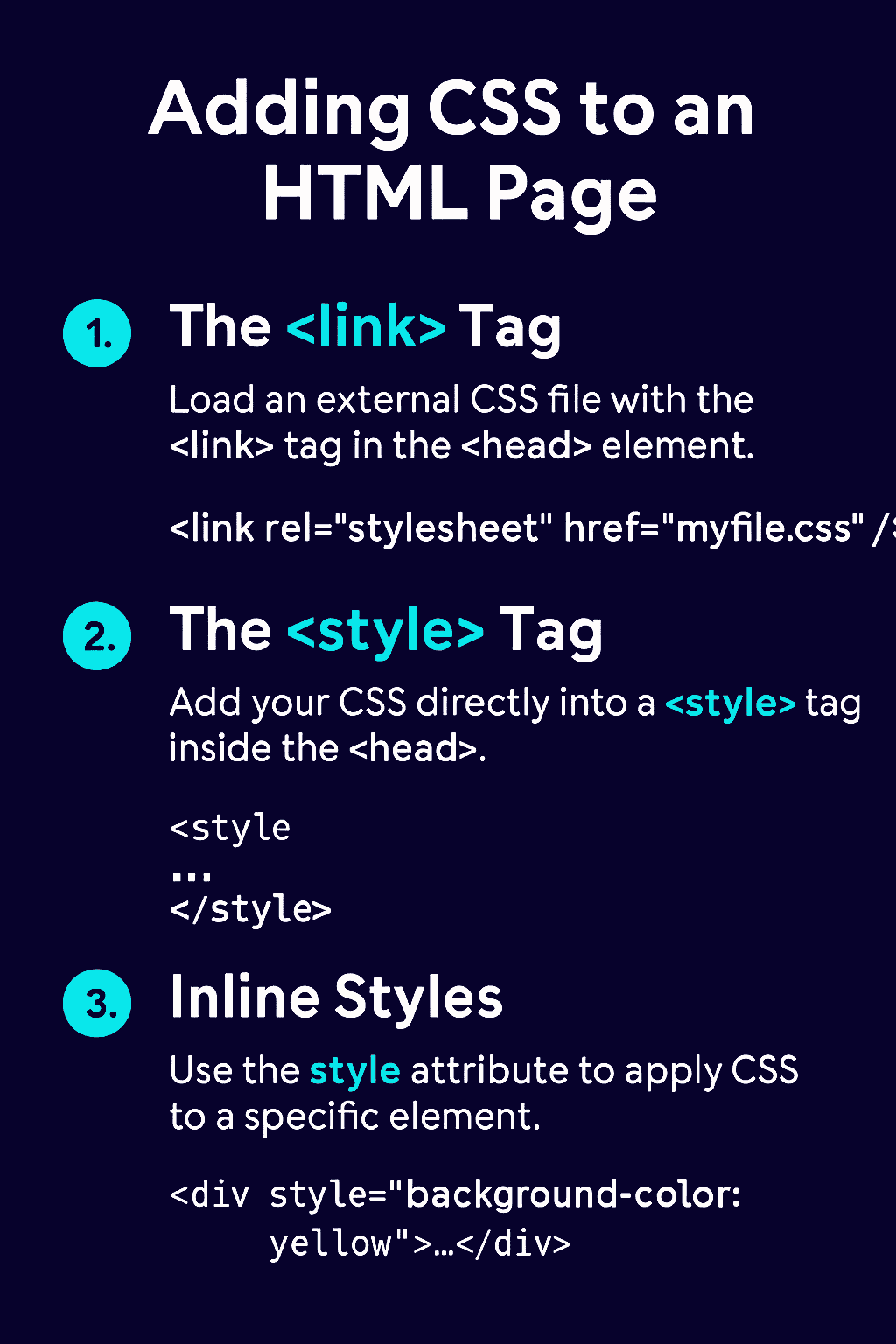
1. External Stylesheet: Using the <link> Tag
This is the recommended and most scalable way to apply CSS across multiple pages.
- You link a separate
.cssfile using the<link>tag inside the<head>section of your HTML document. - This allows all pages to share the same styles, making updates easy and centralized.
Example:
Code Block Loading...
rel="stylesheet"tells the browser this is a stylesheet.type="text/css"specifies the MIME type.hrefpoints to the CSS file location.
Why use this? Change one line in your CSS file, and every page updates - ideal for consistent site-wide styling.
2. Internal Stylesheet: Using the <style> Tag
This method embeds CSS directly within the HTML document.
- Place your CSS rules inside a
<style>tag in the<head>section. - Useful for quick experiments or page-specific styles.
Example:
Code Block Loading...
When to use? Perfect for prototyping or adding a few custom styles without creating a separate file.
3. Inline Styles: Using the style Attribute
Inline styles apply CSS directly to individual HTML elements.
- Use the
styleattribute inside any tag. - Best for one-off tweaks but not recommended for maintainability.
Example:
Code Block Loading...
Limitations: Hard to maintain and overrides other styles - use sparingly.